Before you start
Complete the quickstart, including its passing run. Open your terminal in therwx-quickstart clone and check the source file:
.rwx/quickstart.yml can stay as it is. You need no local Node.js
installation and no new repository access.
1. Make a change that fails a test
Opensrc/index.js. In calculateTotal, change:
2. Run the test task
--target test option includes the test task and its dependencies:
code, node, and npm-install. The separate lint task is outside this run.
The existing filter on npm-install lets RWX reuse dependency installation
when only this source file changes.
The CLI should report:
3. Inspect the assertion
Open the run URL printed by the CLI. Select Tests, then expand Output under Index functions > calculateTotal > should calculate total for valid items. Look for 1 Failed, 19 Successful, and this assertion: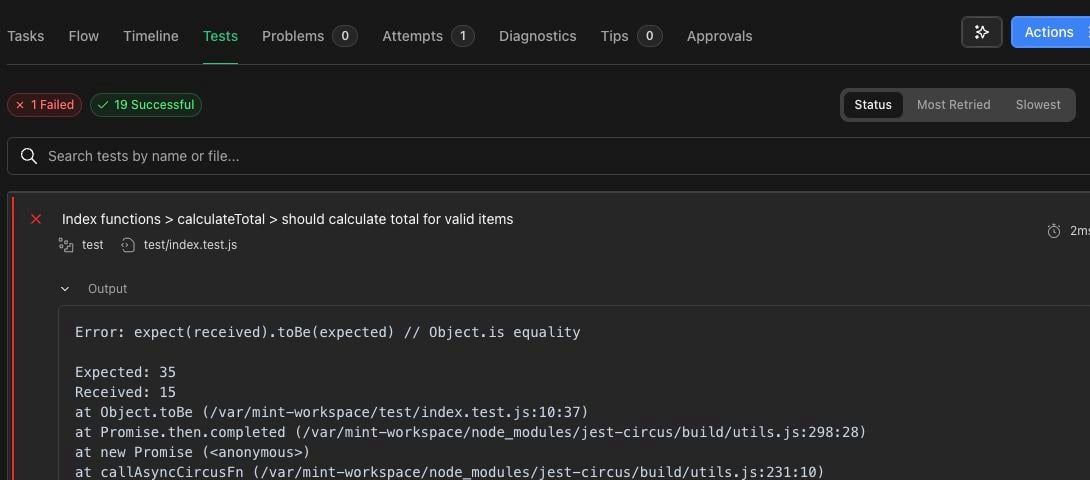
10 * 2 + 5 * 3 = 35. The changed calculation
returns 10 + 5 = 15.
4. Restore the calculation and start a new run
Insrc/index.js, restore the original line:
Run result status: succeeded. Open the new run’s
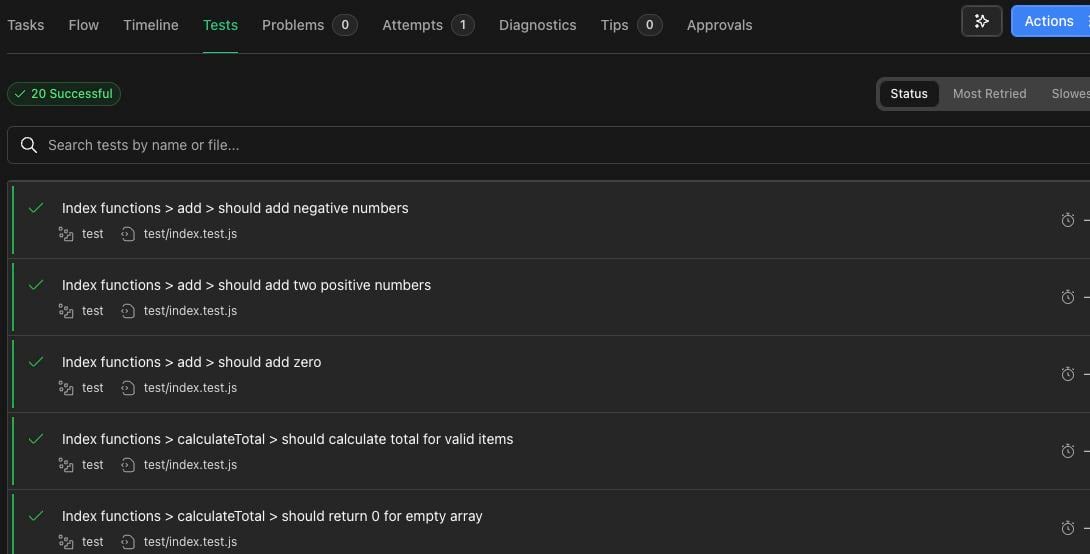
Tests tab and confirm 20 Successful.
rwx run after editing your files. Retrying the earlier failed run uses
that run’s original inputs; it does not upload the local fix.
5. Check your local source
If a step fails
Continue with running commands in a cloud sandbox
to reuse one environment across commands and bring cloud file edits back to
your machine.